
Monoliths on a VPS are back.
There is something incredibly freeing about being able to run your entire stack on one powerful machine. It's easy to debug. It's fast. And you don't need a PhD to run it.
You can serve billions of requests and push 20TB of data egress per month on a provider like Hetzner for less than $10/mo. Trying to do that on a PaaS like Vercel, Netlify, or Firebase would cost you hundreds, if not thousands of dollars.
But it's not all sunshine and rainbows. Leaving the walled garden does come with a trade-off: you are giving up convenience (and higher costs) for control (and lower costs). The thing is, that additional control also means you are now the sysadmin.
If you go the self-hosted route, there are currently two tools that stand out: Coolify and Dokploy. In this guide I'll help you decide which one is best for you, and mention a lightweight alternative if you're comfortable working via the terminal.
The shared bits
Before we talk about differences, it's important to realize that Coolify and Dokploy are more similar than they are different.
They both solve the same problem: you want the "Heroku" or "Vercel" push-to-deploy experience, but on your own server.
Under the hood, they both use Docker to do the heavy lifting. If you peel back the UI, they are practically fancy wrappers around containers. They also share the same core features:
- One-liner install: Both offer a simple script to set up a fresh server in minutes.
- Structure: Both help you keep things organized, like Teams -> Projects -> Environments -> Resources.
- Builds: Both support Dockerfiles, Nixpacks, and static sites. Dokploy goes a step further with native support for Railpacks and Heroku Buildpacks.
- CI/CD: Both integrate with GitHub Actions. You can set up "Git Push to Deploy" pipelines with Preview URLs easily.
- SSL: Both automatically issue and renew Let's Encrypt certificates.
- Cron jobs: You can create and schedule tasks on both of them.
- Monitoring: They both support monitoring your resources and take care of capturing application logs for you.
So, if they both do the basics, how do you go about picking one vs the other?
1. Coolify
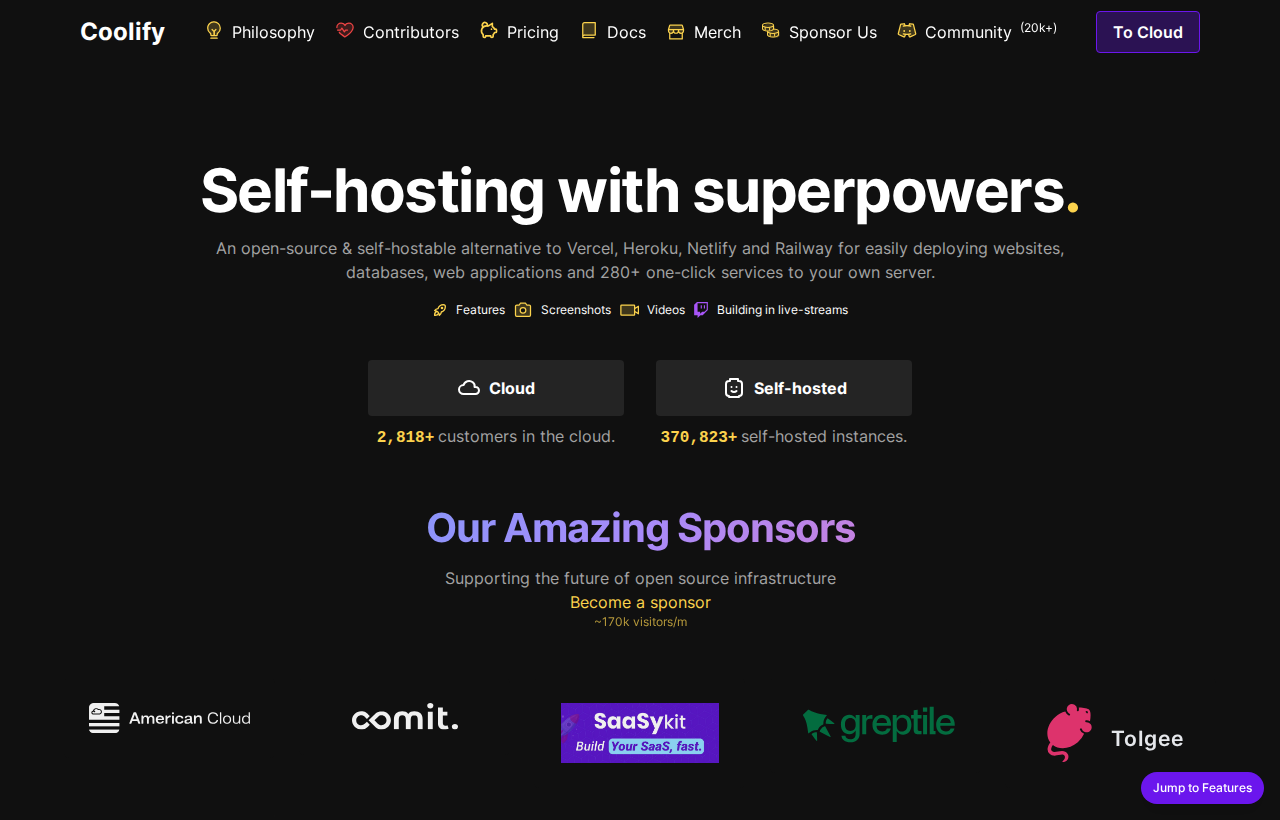
Coolify is like an operating system for your own PaaS infrastructure. It is incredibly feature-rich and tries to handle many use cases. It's fully Apache 2.0 licensed.
Pros
- One-click apps: Coolify has a huge catalog of one-click apps. If you need to spin up tools like Supabase, Plausible Analytics, or n8n, Coolify likely has a pre-configured template for it, whereas Dokploy's selection is still more limited.
- Fully open-source: The entire source code is available under the Apache 2.0 license, which is well understood and very permissive. Unlike Dokploy, which uses a mixed license model.
Cons
- Disaster recovery: While Coolify handles backups beautifully, restoring them is manual. If your database implodes, you often have to SSH in and manually run pg_restore.
- No volume backups: While you can backup your database, Coolify doesn't yet support backing up volumes from app containers to S3. Dokploy supports this out-of-the-box.
- Manual load balancing: If you want to use multiple servers, Coolify does not automatically configure a load balancer for you. You are responsible for manually setting up and configuring Nginx, Traefik, or HAProxy to route traffic between your nodes.
2. Dokploy
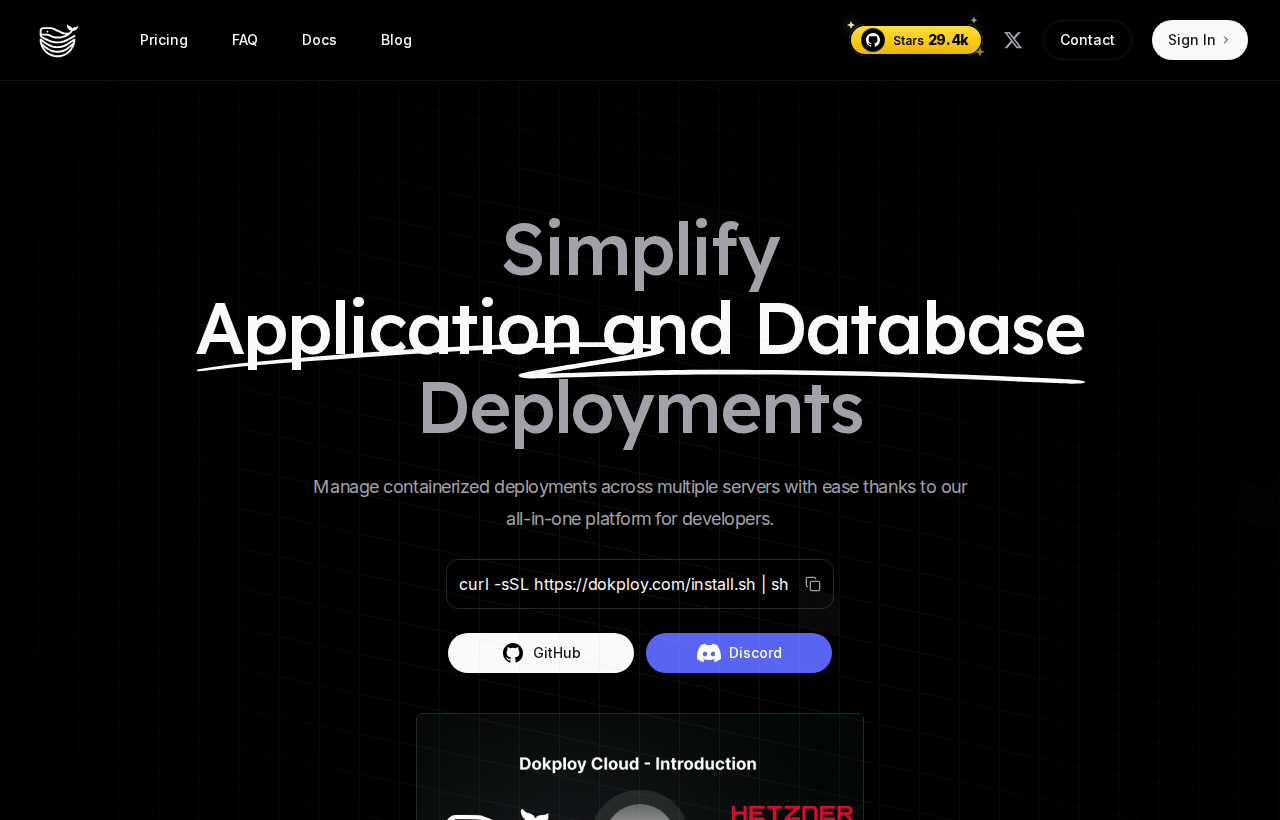
Dokploy has a more polished UI than Coolify, and supports clustering via Docker Swarm. But its mix of Apache 2.0 and proprietary license can be an issue for some.
Pros
- Automatic clustering: Dokploy supports multi-server natively via Docker Swarm. When you add servers, they join a mesh network. Traefik automatically detects your running containers and routes traffic to them across the cluster. Unlike Coolify, there is no manual load balancer configuration required.
- More polished UI: While subjective, many users, myself included, think that Dokploy's UI is more polished and easier to navigate than Coolify's.
- Database restores: Unlike Coolify, Dokploy has a UI for restoring databases. If disaster strikes, you can conveniently restore the database directly from the dashboard without touching the terminal.
Cons
- Licensing: Most of Dokploy is licensed under Apache 2.0, with some parts under a proprietary license. For many use cases, this probably won't matter, but you should consider how this might impact your project before using it.
- Smaller ecosystem: Dokploy is significantly newer than Coolify. While the community is active and growing fast, you will find fewer tutorials, YouTube videos, and third-party integrations compared to the larger Coolify ecosystem.
Day 2 operations
Regardless of which tool you pick, you can't escape the sysadmin role. Moving to a VPS deletes a zero from your monthly bill, but you need to maintain the servers you are now in control of.
Security
Don't just launch the server. Install ufw (firewall). Deny everything. Allow only ports 80, 443, and 22. Both Coolify and Dokploy expose their dashboards on specific ports. Lock those down to your home/office IP if you can.
Of course, security is a huge topic. I couldn't possibly fit everything you need to know into this section. To help you get started, here's a starter guide on how to secure an Ubuntu server.
Backups
Both tools make this easy, and IMO this is the first thing you should set up when moving to production.
Connect an S3 bucket (AWS, MinIO, Cloudflare R2), set a schedule, and I personally always hook up a cron job monitoring service as well (like Cronitor or Healthchecks). Otherwise, you wouldn't know if your backups stopped working, and when disaster comes that's not going to be fun.
Logs
Both tools automatically capture logs from stdout and let you inspect them via the UI. This is great for quickly troubleshooting any errors at runtime.
However, in production you might want to configure an external logging provider (like Datadog, Papertrail, or BetterStack). Otherwise, when your server dies, so do the logs and you're left in the dark.
Bonus: Kamal, a lightweight alternative
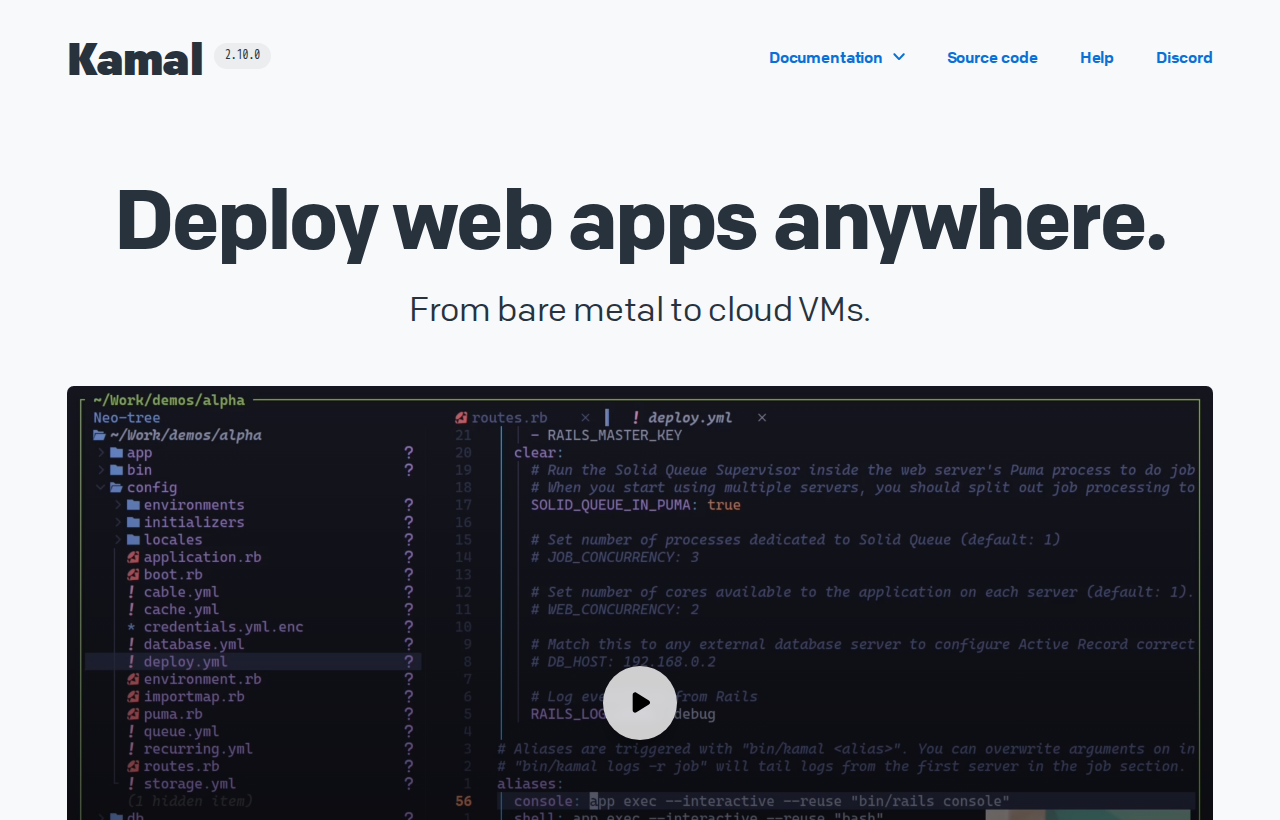
There is a third option if you don't need a fancy UI and are more comfortable in the terminal.
Kamal (by 37signals) takes a different approach. It doesn't live on your server. It lives on your laptop (or CI runner). It SSHs in, updates the container, switches traffic via a custom proxy, and disconnects.
I've been happily running this site with Kamal for a few years now and have had exactly zero issues. I paired it with GitHub Actions so I have the "git-push-to-deploy" experience. There aren't a lot of moving parts, and IMO that's a good thing.
- Pros: Zero overhead on the server. More customizable if you know what you're doing.
- Cons: The basics are all there, but it's still more barebones. You are editing YAML files and running terminal commands. No preview URLs. You have to roll your own database backups.
In short: it's less magical, but gives you much more control. If you know your way around a shell and setting up CI/CD pipelines, it's probably the most robust option.
The verdict
Any of these tools will ultimately get the job done. I'd say you should go with whatever makes your team less stressed about operations and helps you ship faster.
If you're looking for a TLDR, my suggestion would be:
- Choose Coolify if you want the "Vercel experience" on your own hardware, and require a 100% open-source stack with a massive ecosystem.
- Choose Dokploy if you need High Availability (clustering) without manual configuration, or want easier database recovery.
- Choose Kamal if you want a YAML + terminal based tool, and run your servers as lean as possible.
I suggest you deploy a starter project on all three, and try breaking it (eg. make a DB backup, destroy the DB, try restoring it). That way you'll quickly realize which one you feel most comfortable with.
By the way, if you're looking for a cloud provider to host these instances, check out GetDeploying. It's a tool I built to compare cloud providers and find the best price-to-performance ratio for your new stack.